Architecting A H200 HPC Cluster for AI Research
- Subject
- Compute
- Published
- Exposure0:00
AI training is massively GPU intensive. Until recently, our institution's AI lab operated on dozens of standalone desktops equipped with consumer RTX graphics cards for teaching and research. It was a fragmented system. We couldn't pool resources across machines. If a researcher locked up a desktop for a multi-day training run, that hardware was technically offline for everyone else. It was inefficient.
The institution decided to build a centralized High-Performance Computing (HPC) cluster to advance our AI initiatives without the resource bottlenecks. I had the privilege of architecting and implementing this state-of-the-art system. The goal was strictly practical: build a scalable environment capable of handling heavy AI workloads, while empowering faculty, researchers, and students. We have reached out to vendors who can provide an efficient way to access this powerful machine but that turns out to be an expensive option. I wanted to find an open source alternative that is heavily supported by the research community and enable our users to gain access to HPC without any complications or burn through the budget.
I have been waiting to write this blog post for so long and give you a glimpse into what I really enjoy doing. I have built personal gaming rigs, deployed server clusters for apps, but architecting a HPC with cutting edge GPU's is one of my most rewarding experiences and I'm glad to be part of this. So, after countless days and nights of building, debugging and fixing, here is everything I can share about this.
The cluster runs on a single head node (headn1) for the control plane, a 48-core Ubuntu machine with 128 GiB of RAM. The actual compute happens on five worker nodes (gpun1 through gpun5). Each worker packs 96 CPUs and roughly 500 GiB of RAM.
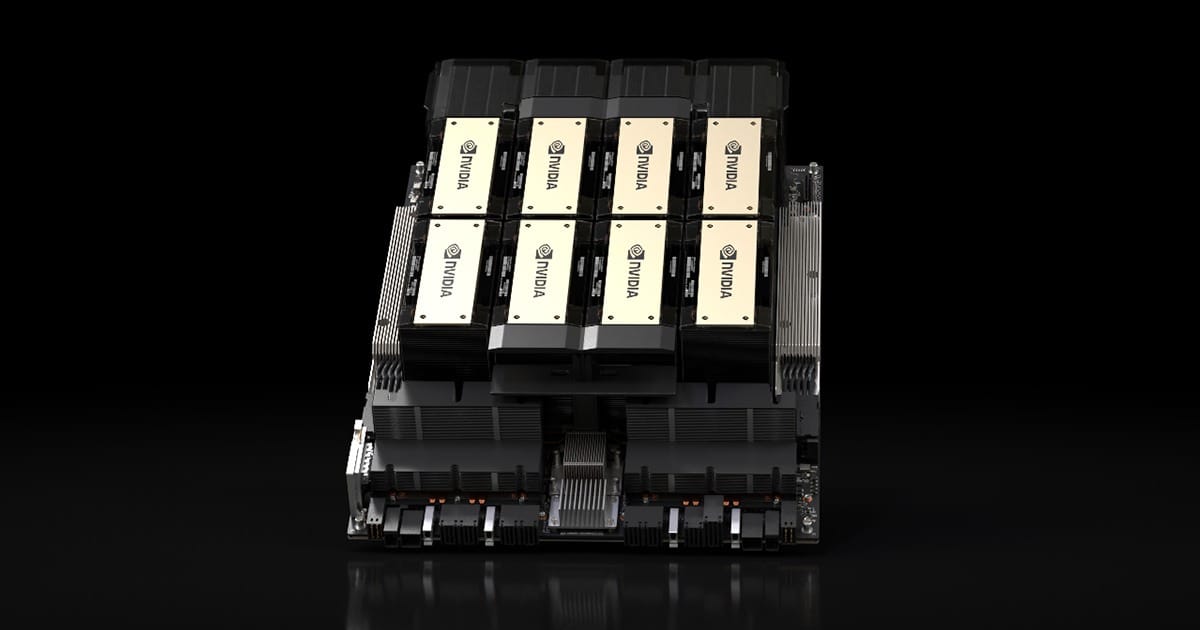
For AI, GPUs are everything. We equipped the cluster with 12 physical NVIDIA H200 NVL GPUs from the Hopper architecture. Each card provides about 140 GiB of VRAM. There is plenty of room to scale up and add more GPUs in the future.
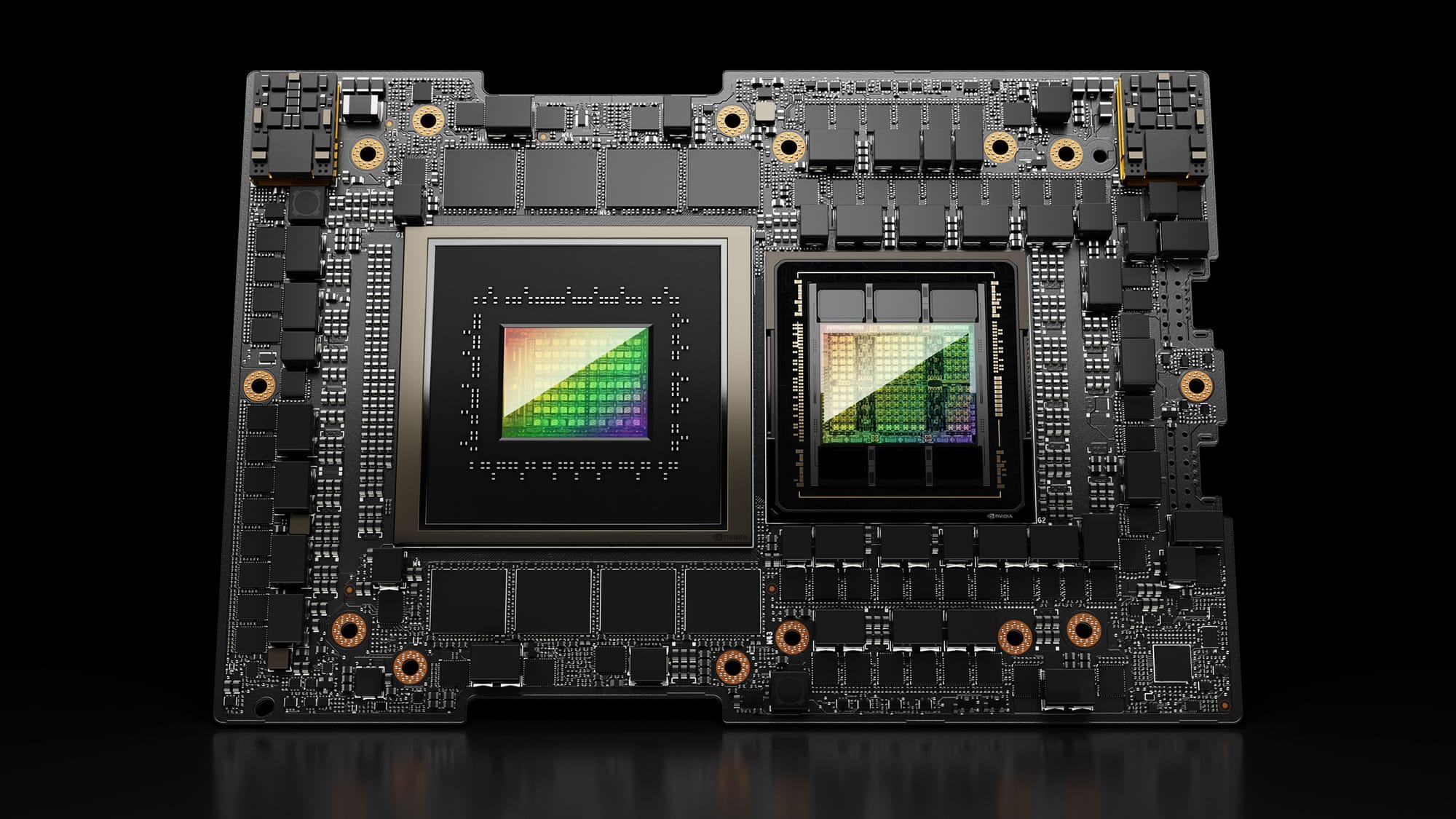
While these GPUs support MIG (Multi-Instance GPU), I kept it disabled. Instead, I configured GPU time-slicing with 4 replicas per physical GPU. This gives us 40 virtual GPU slots across the cluster. It’s a much more flexible way to share resources without rigid hardware partitions.
To orchestrate the workloads, I dropped traditional HPC schedulers like Slurm. I went fully with Kubernetes, managed via Rancher. The main reason is to use NVIDIA's KAI Scheduler for resource allocation.
Data is the center of gravity. We have deployed a centralized NFSv4.2 server with 167 TiB of capacity. It mounts directly to /data on every node. Inside Kubernetes, the nfs-subdir-external-provisioner dynamically hands out PersistentVolumeClaims to our interactive sessions and batch jobs. This is where we keep user training data as well as datasets needed for research.
I needed to make this accessible. Researchers and students aren't always command-line experts. I've selected Open OnDemand (OOD) as our web portal. I tested other web ui based AI/ML training platforms such as Kubeflow, but found that Open OnDemand will fit best for our institutional needs. Kubeflow is a great choice for ML engineers with highly customizable ML pipelines but an overkill to the faculty and students in our case.
Through OOD, users launch VS Code and Jupyter Notebooks straight into the Kubernetes cluster. I built tailored app profiles:
- Research Profiles: Researchers can request specific CPU cores, RAM, and GPU fractions (e.g., 32GB slices) or entire GPUs.
- Student Profiles: These are hardcoded. A student gets exactly 4 CPUs, 16GB RAM, and a 32GB fractional GPU slot. They can't accidentally drain the cluster.
Standard Kubernetes scheduling fails at fair-share resource allocation. I fixed this by integrating the NVIDIA's KAI Scheduler.
I set up a strict parent/child time scheduling queue hierarchy:
research: 12 GPUs, 64 CPUs, 131 GiB guaranteed baseline quota with high burst limits.students: A strictly locked queue for coursework.test: Unlimited administrative queue.
Every pod targets a specific queue. KAI enforces memory caps on our fractional GPUs via annotations like run.ai/gpu-memory: "32000". Pods sharing a physical GPU cannot over-commit VRAM.
Getting Open OnDemand to talk to Kubernetes and KAI required a few custom engineering hacks.
First, the Jupyter reverse proxy bypass. OOD usually proxies traffic via internal paths. K8s dynamically assigns NodePorts. Jupyter natively rejects OOD's proxy routes. I completely bypassed the reverse proxy. I modified the OOD dashboard to generate a direct connection link to the raw K8s NodePort. Jupyter serves itself from the root.
Second, I had to write a custom job patch. OOD's Active Jobs page needs to monitor running pods. I wrote custom Ruby patches for OOD's adapter to explicitly extract the runai/queue and account labels from the KAI-scheduled pods. Users now get real-time queue visibility.
Finally, tenant isolation. OOD's default K8s integration exposes every pod in the cluster. I wrote a custom wrapper script (kubectl-ood-filter) to filter the jobs visible in OOD. Users only see pods in their assigned namespaces.
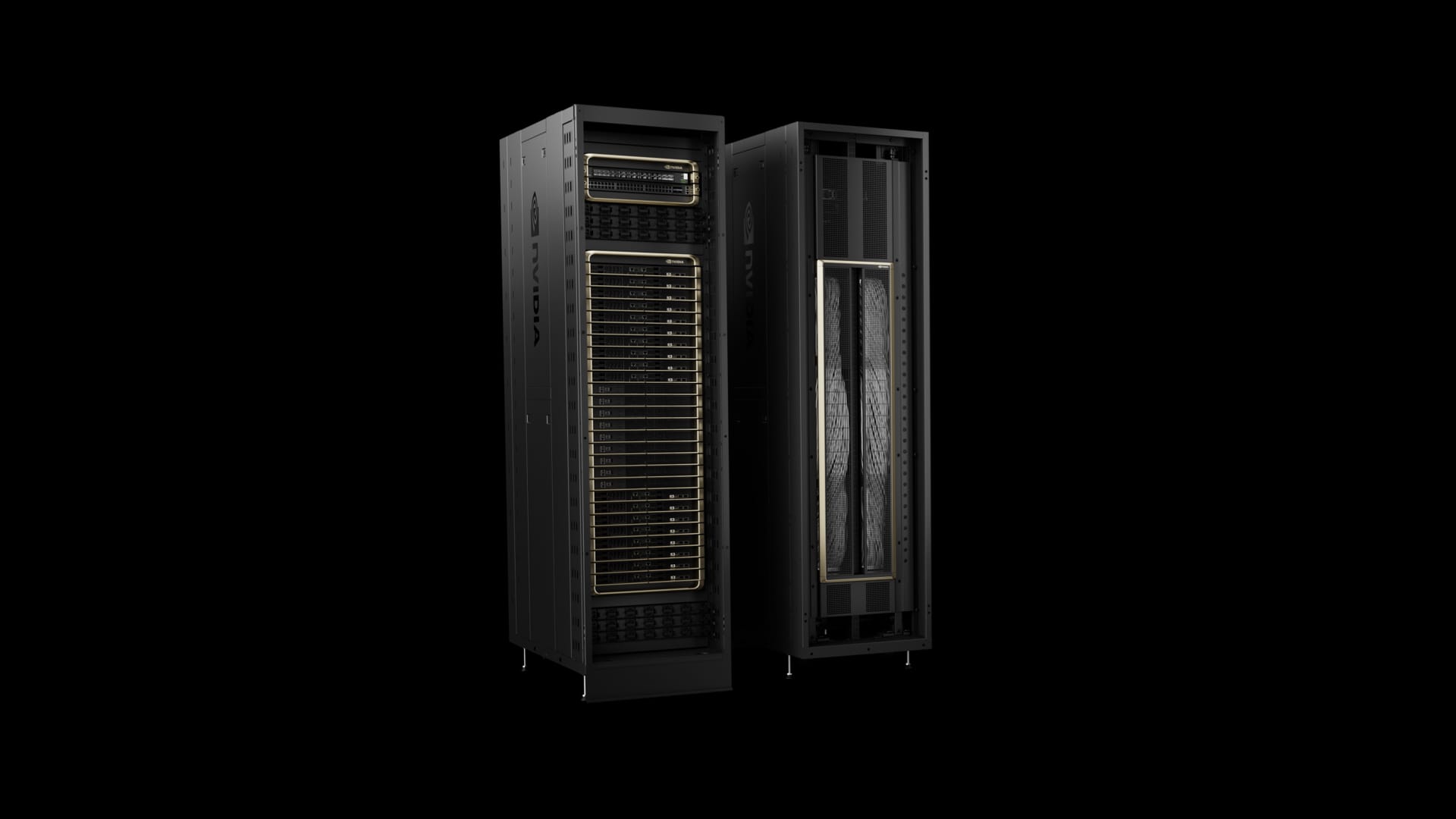
Now, this architecture has been put to use and stress tested many times. It works perfectly and delivers exceptional compute performance to many users. Because the orchestration layer is decoupled, it opens the possibility to scale up by adding more resources to Kubernetes without affecting end-users.
I recently benchmarked the cluster using recent LLMs. I threw models like DeepSeek and Qwen at the hardware, running inference via vLLM and Ollama to see how well the HPC handles the resource allocation. It handled every request flawlessly, thanks to the strict scheduler sitting between the orchestrator and the resources.
I could have moved forward with a more serious MIG architecture for hardware-based limits, but for local institutional use, that is not recommended and is an overkill. The software-level time-slicing provides the exact elasticity we need. I am proud to see a conceptual design turn into a real-world application and serve fellow AI enthusiasts.